Along Lake Michigan 002



I’m in Chicago visiting by brother and attending a conference.
One of my favorite places in Chicago is walking along lake Michigan.
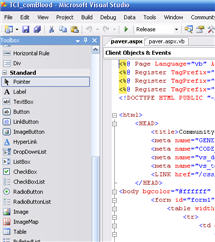
My computer blue-screened in the middle of a build of a website I’m working on from Microsoft Visual Studio. When it finished rebooting I couldn’t load my local copy of the website and I kept getting the following error when trying to view the site from my browser: “Could not load file or assembly….” the actual error message was a whole page long.
I grabbed a backup and restored the files, no luck. I restarted IIS, no luck.
A couple of Google searches later and I found this site with the following instructions:
Delete all temporary ASP.NET files, by removing the folders under the following directory and then check it:
C:\Windows\Microsoft.NET\Framework\v2.0.50727\Temporary ASP.NET files\
Just like that it started working again!

Maybe common knowledge for some, but I’m not a full time programmer so sometimes the smallest things make my day.
Dim myRandomNumber As Integer = rnd.Next(1000, 999999)
So, this code generates a random number between 1000 and 999999.

The yellowish tint is because I was shooting into the sun as it was setting. I was going to change it, but the more I look at it, the more I like it.

Don’t laugh…I’m trying to learn Linux and I just needed a place to store miscellaneous commands, my memory is short and I forget how to do things.

More from the Georgia Aquarium in Atlanta. I had the ISO set pretty high because of the lighting in the aquarium so there’s more noise than I wish there was.

I have an unattended installation of Windows XP that I slip-streamed Service Pack 3 into.
On an EVGA motherboard I was recently loading with Windows I could get everything working except the audio.
In the device manager I had 1 unkown pci device item listed. Had to be the audio right?
Well I used the cd that came with the motheboard, no luck.
I went to Realtek’s support page and downloaded the latest driver, still no luck.
No matter what I did the PCI device would not update to the audio.
Finally on some sort of flash I googled “XP SP3 HD Audio“.
One of the results returned this page which talked about the exact problem and had a download to fix it.
I’m making the download available from here in case their site goes away.
I do not vouch for the file, all I can tell you is it fixed my problem. Download from here or there at your own risk.
So, apparently the PCI device isn’t actually the audio card itself, but a UAA bus driver for high definition audio.
I found on Microsoft’s site, mention of this, and had downloads for SP1 and SP2. Their site said it wasn’t needed for SP3.
Wrong! Once I pointed the PCI device at the update and it installed itself, the Realtek HD Audio device was detected and it proceeded to install the drivers I had installed earlier.
Strange and irritating, but I’ve got audio now!

A shipwreck museum in Key West, Florida. We didn’t actually go in the museum because it wasn’t open. But, I just liked the building.
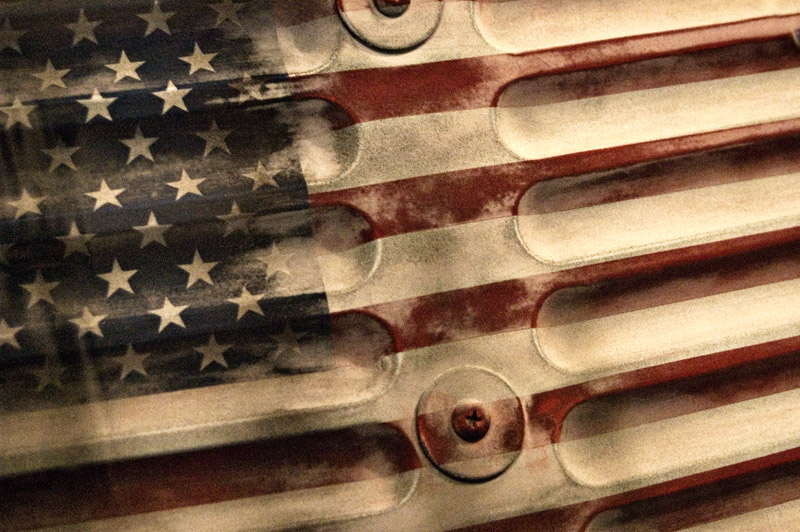
The side of one of the rockets used in the exploration of space. I believe it was from one of the Apollo Lunar Modules. I didn’t realize it, but there were actually 12 astronauts who walked on the moon.
Happy 4th of July!