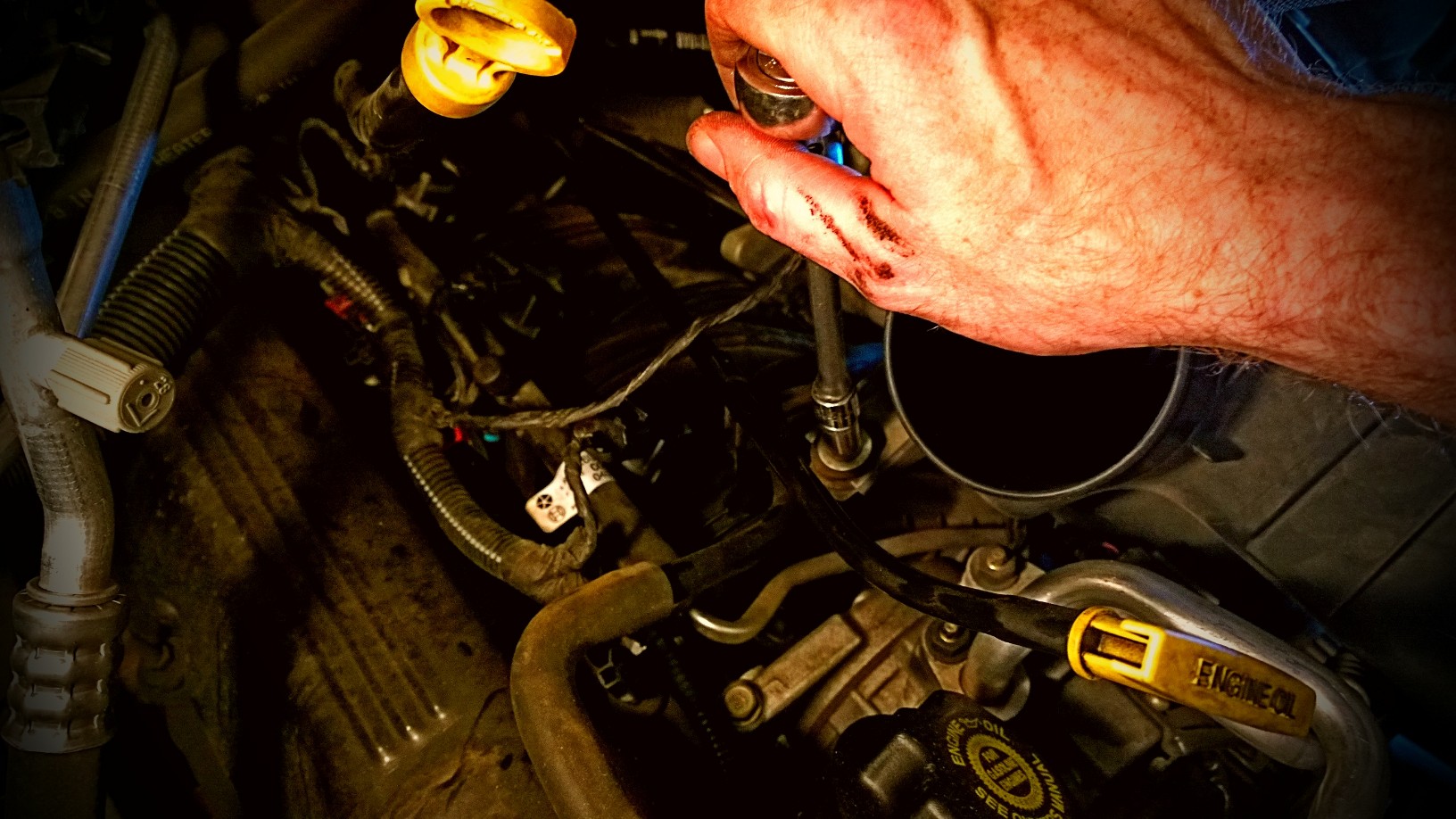
65 Ford Falcon

- Camera: Lumia 1020
- Taken: 10 August, 2013
- Aperture: ƒ/2.2
- ISO: 100
- Shutter speed: 1/1802s



Update: 8/27/2013 – Benjamin Franklin came up with a system of virtues he worked on in his life that I found fascinating.



But I can’t complain
I can’t complain
Every days too short to let it go to waste
Now I can’t complain
I can’t complain
You gotta treat every day like a holiday
And I’m telling you
That I know some days I’m gonna stumble
And I know the cookie’s gonna crumble
And I know that life is gonna suck some days
But I can’t complain
~ Relient K (Can’t Complain on Collapsible Lung)


I was curious as to whether or not I could connect a USB thumb drive to the new (2013 model) Nexus 7 tablet. I have a cheap micro USB to USB connector I bought from Amazon. The initial test of the thumb drive came up empty, it lit up but I couldn’t access files. I then tested a USB mouse with the connector and it worked fine. I had used a thumb drive in the past with the previous Nexus 7 but that solution required the device to be rooted which I didn’t want to mess with this time. After some poking around I found the Nexus Media Importer that claimed to allow you to connect a thumb drive and copy files. The app costs $3.99 and I didn’t want to waste money if it didn’t work. Luckily the developer has another app called Nexus Photo Viewer that is free. It just can’t be used to copy files to the device. I installed the photo viewer, plugged in a thumb drive and was able to view images on the drive. With that assurance I purchased the media importer app and it works great.
There might be a way to use a thumb drive with the tablet without paying $3.99 but for me this was quick and easy.