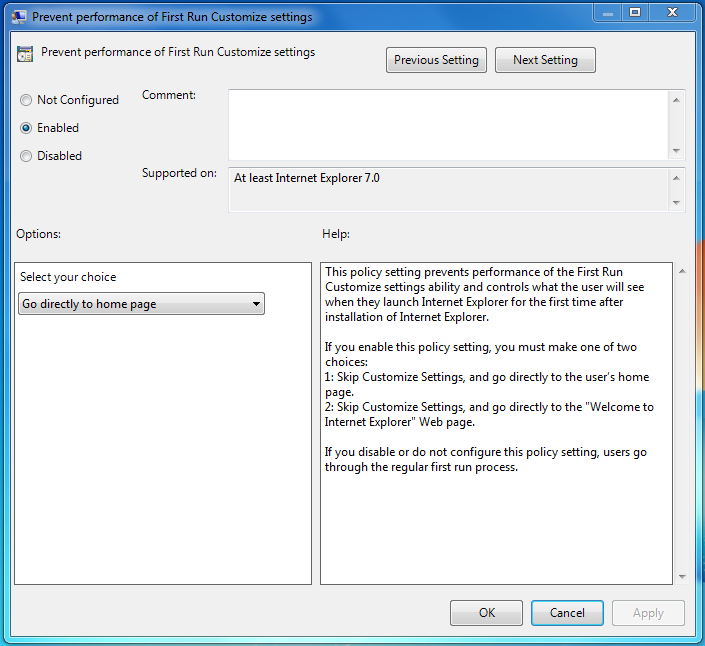
After installing Internet Explorer 9 a welcome page pops up in a seperate tab the first time you run it. I ran into a machine where it kept popping up over and over.
To fix it:
- Click start and in the search box type gpedit.msc
- In the Local Group Policy Editor navigate to:
User Configuration/Administrative Templates/Windows Components/Internet Explorer.
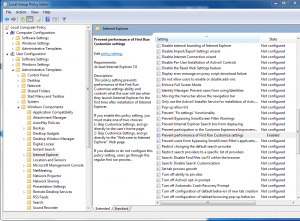
- Locate the “Prevent performance of First Run Customize settings” setting and double-click
- Click the “Enabled” setting and below that click the drop-down where it says “Select your choice.” Select “Go directly to home page.”
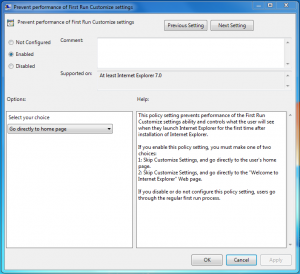
- Hit ok then close the group policy editor.
- Close and open Internet Explorer and you should be good.